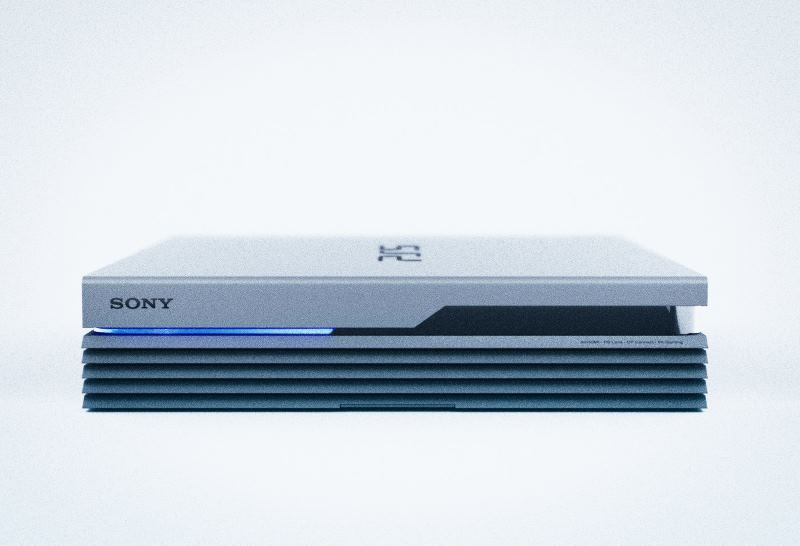
Building new Emulation Application – EmuHub

EmuHub – Frontend
It’s been a while since my last update, but for good reason—I’ve been busy working on something I’m genuinely excited to share.
If you’ve spent any time in the emulation scene, you’ve probably come across EmulatorJS—and more specifically, the excellent build from Linuxserver.io. Their version offered a clean, user-friendly frontend that made managing and playing retro games incredibly accessible. Unfortunately, that particular build has since been discontinued. The good news, though, is that the core EmulatorJS project is still very much alive and continuing to improve.
That got me thinking.
I really liked the frontend style that Linuxserver.io created, but I also wanted to take advantage of the newer cores and ongoing advancements from the EmulatorJS team. On top of that, I saw an opportunity to expand things even further—bringing in additional cores directly from Libretro, including some older or less commonly compiled ones like BlueMSX.
So… long story short—I decided to build my own.
Right now, the working title is EmuHub, though that may evolve over time. The goal behind EmuHub is to create a powerful, flexible emulation platform that blends a polished, “HyperSpin-style” frontend experience with a robust and intuitive backend management system.
At its core, EmuHub is designed to be simple to deploy and easy to manage. It runs via Docker and provides two main interfaces: a management backend (default port 3000) and a user-facing frontend (default port 80). From there, everything is built to streamline the setup and customization process as much as possible.
Key Features
Automated Configuration Interface
EmuHub includes a streamlined configuration system that automatically generates all necessary files and game lists for the frontend. A built-in ROM scanner ensures your library is properly structured and verifies that everything is in place before building out the configuration.
Expanded Core Support
In addition to downloading all officially supported EmulatorJS cores, EmuHub allows you to easily add extra cores—including those available through Libretro and others that aren’t typically bundled.
Integrated Media Scraper
A built-in scraper pulls in artwork such as box art, screenshots, videos, and wheel logos for both games and systems. Currently, this feature integrates with ScreenScraper to provide rich media content automatically.
Library Management Tools
Manage your collection with ease—upload custom artwork, manually scrape metadata, or hide titles you don’t want displayed in your frontend.
BIOS Manager
Handling BIOS files can be a pain, so EmuHub simplifies it. With MD5 verification, upload tools, and automatic placement, it ensures everything is correctly named, validated, and stored where it belongs.
Theme Customization
A full theme manager lets you modify system themes or create your own. You can use default assets, scraped media, or custom uploads—and even fine-tune layouts with a built-in editor to position videos and artwork exactly how you want.
Advanced Configuration Editor
For those who like control, the config editor allows direct customization of system settings, including selecting preferred cores when multiple options are available.
System Settings & Tools
Additional utilities include configuration import/export, a Docker Compose generator to simplify deployment, and various system-level settings to tailor the experience to your needs.
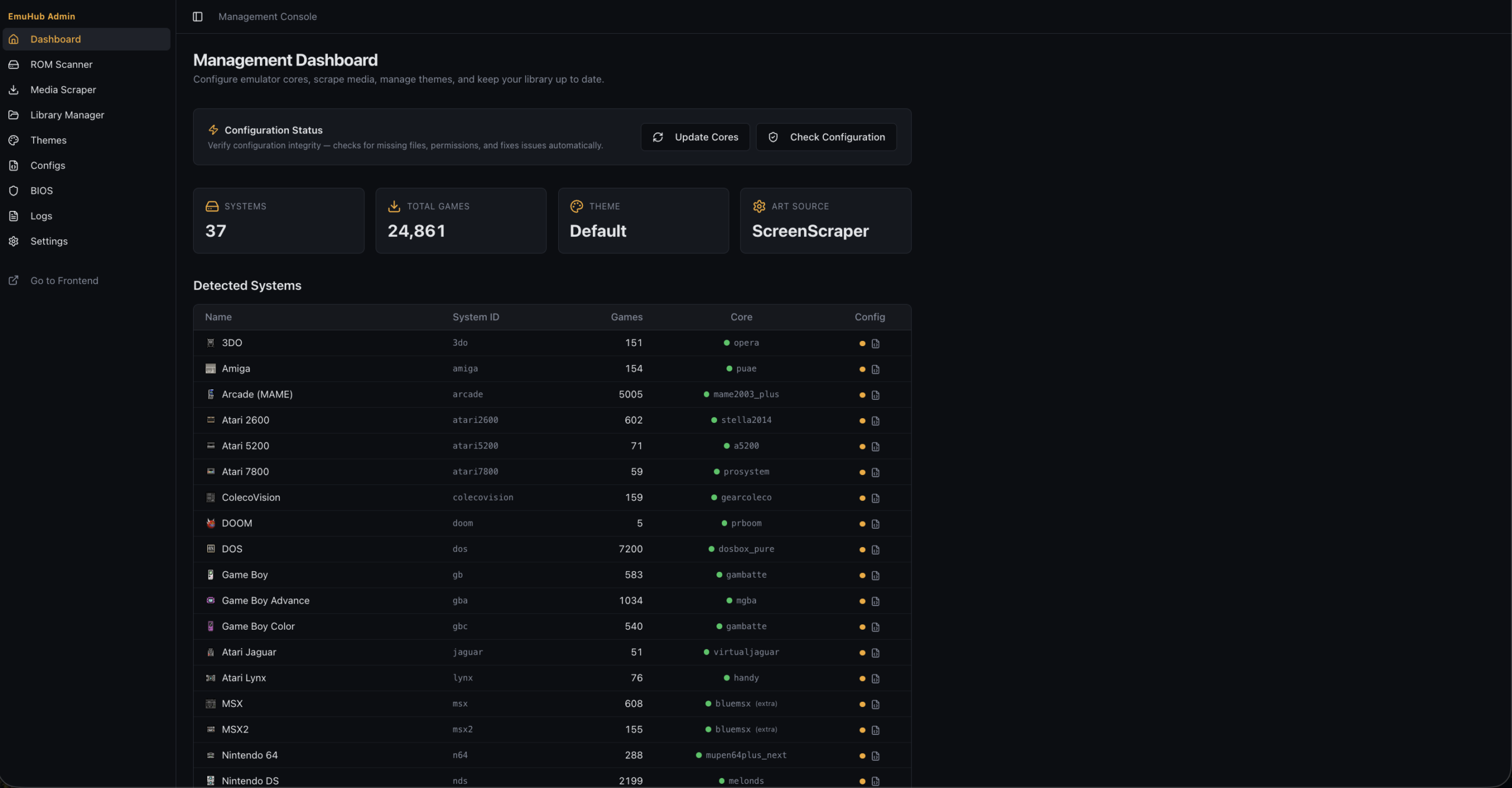
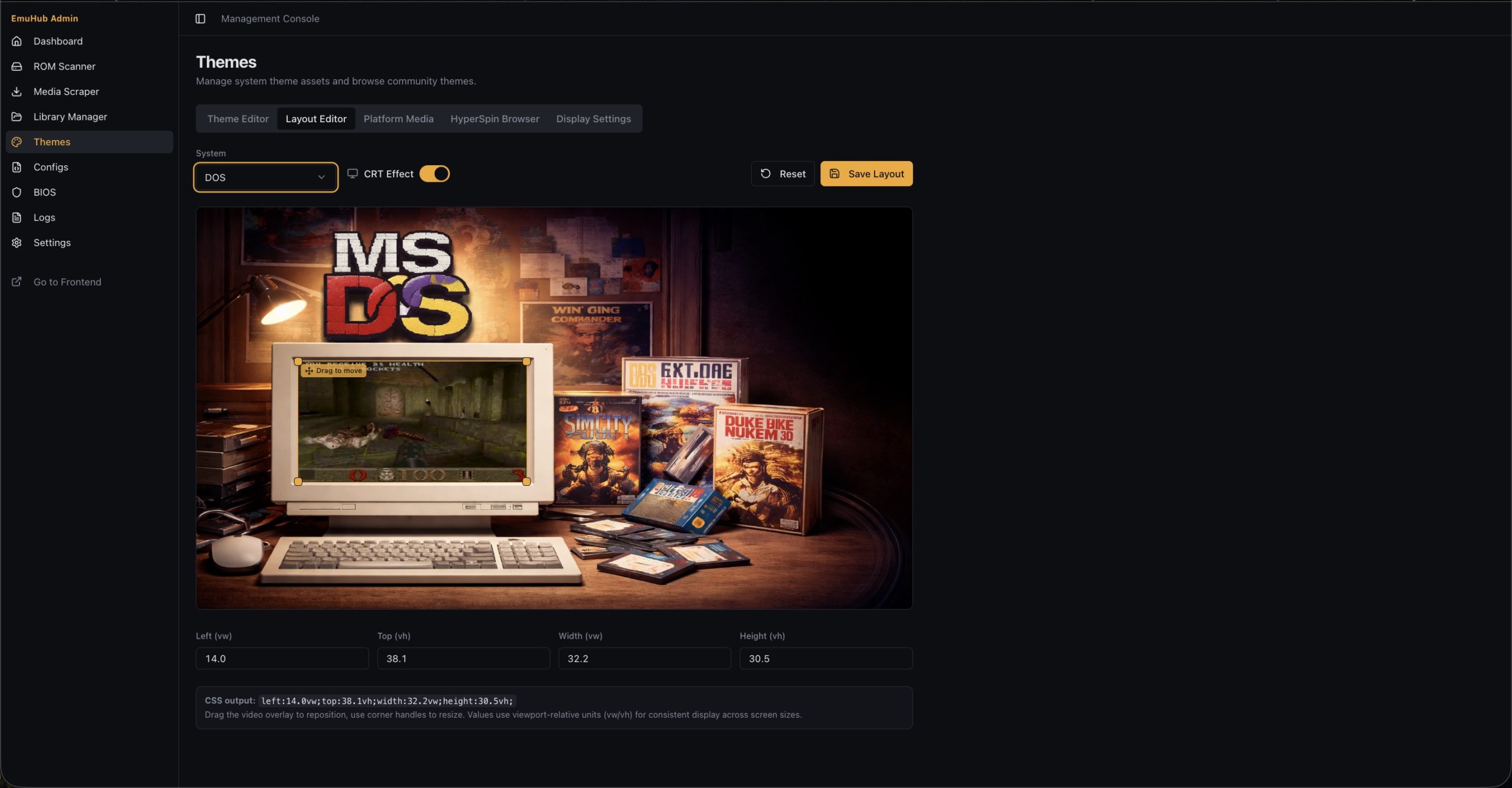
Main Dashboard & Layout Editor
This is still a work in progress, but it’s shaping up to be something really special. I’m building it first and foremost for myself—but I’m hoping others in the emulation and retro gaming community will find it just as useful.
Also, to note – the themes are likely going to change…and if I have it my way…I will have a theme browser/downloader as well (if you notice the “HyperSpin Browser” there 😏)
The Github Repo is not yet public facing, but it should be released in the near future.
More updates to come soon!